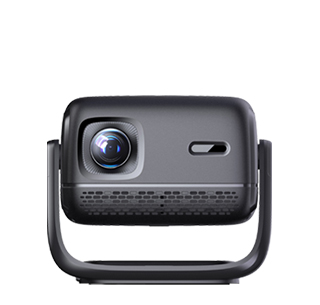
Android OS projectors (also called “smart projectors”) are projection devices that run on Google’s Android operating system—integrating the functionality of a projector with the smart features of a tablet or smart TV. Unlike traditional projectors (which require an external device like a laptop or TV stick to play content), Android OS projectors have built-in access to apps, streaming services, and internet connectivity—allowing users to watch movies, browse the web, or use productivity tools directly from the projector, without additional hardware. They are ideal for users seeking a all-in-one solution: home theater enthusiasts who want to stream Netflix or YouTube without a TV stick, small business owners who need to run presentation apps like Google Slides, or casual users who want a simple, plug-and-play projection experience.
Core features of Android OS projectors that leverage the Android ecosystem include:
App support and Google Play Store access: The most defining feature is pre-installed access to the Google Play Store (or a customized version of it), allowing users to download thousands of apps optimized for large screens: streaming apps (Netflix, Hulu, Disney+), productivity apps (Microsoft Office, Google Workspace), gaming apps (Android games scaled to projection size), and media players (VLC, MX Player). Some models come with popular apps pre-installed, so users can start streaming immediately after unboxing.
Internet connectivity and smart features: Android OS projectors include Wi-Fi (dual-band for speed and stability) and often Ethernet ports for wired internet access. This enables smart features like voice control (via Google Assistant—users can say “play my favorite movie on Netflix” to launch content hands-free), cloud storage integration (accessing photos or documents from Google Drive), and over-the-air (OTA) updates—ensuring the projector’s software, apps, and security features stay up-to-date.
Media playback and file management: Built-in media players support a wide range of file formats (MP4, MKV, JPEG, PDF) from USB drives, external hard drives, or network-attached storage (NAS) devices. The Android file manager makes it easy to browse and organize files, so users can play local content (e.g., home videos, downloaded presentations) without connecting a laptop.
Customized interfaces for projection: Unlike Android tablets or phones (optimized for small screens), Android OS projectors use customized user interfaces (UIs) designed for large projected images. These UIs feature larger icons, simplified menus, and quick-access shortcuts to frequently used apps (e.g., a “Watch” tab for streaming apps, a “Work” tab for productivity tools)—making them easy to navigate from a distance, using the remote control.
Key advantages of Android OS projectors:
All-in-one convenience: No need to carry or connect external devices—everything needed for streaming, working, or gaming is built into the projector. This makes them highly portable for outdoor movie nights or travel.
Cost savings: Instead of buying a separate projector and smart TV stick (e.g., Chromecast, Fire Stick), users get both functionalities in one device, reducing upfront costs.
Flexibility: The Android ecosystem is open and versatile—users can customize the projector with their favorite apps, rather than being limited to a fixed set of features (as with some proprietary smart projectors).
Considerations when choosing an Android OS projector:
Android version: Look for models running Android 10 or later—newer versions offer better security, app compatibility, and performance. Avoid older versions (Android 8 or below), as they may not support the latest apps.
Hardware specifications: A powerful processor (e.g., Amlogic T950X4) and sufficient RAM (2GB or more) ensure smooth app performance and multitasking (e.g., running a presentation app while streaming music).
App compatibility: Some streaming services (e.g., Netflix) have strict DRM (Digital Rights Management) requirements—ensure the projector supports Widevine L1 DRM, which allows streaming of HD/4K content (projectors with L3 DRM may only support SD quality).
With their combination of projection functionality and smart features, Android OS projectors have become a popular choice for users who want simplicity, versatility, and all-in-one convenience.
Read recommendations:
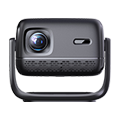
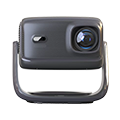
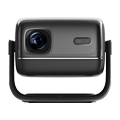
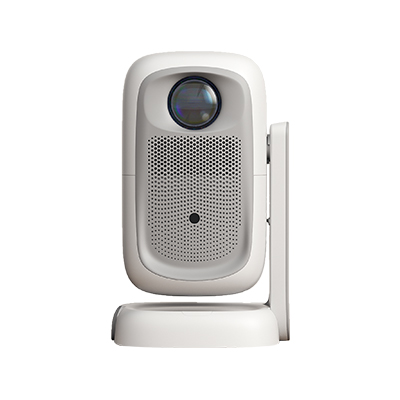
HN30A Portable - HN Series Projector
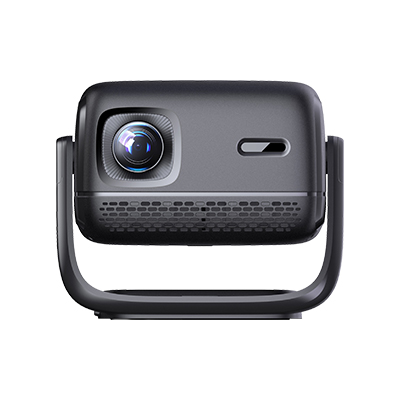
Projectors with USB Interface
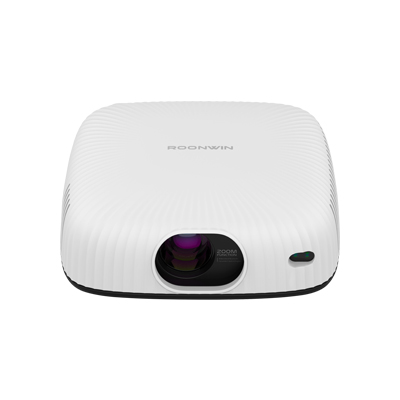
high lumen 1080P Projector










 Reviewed: