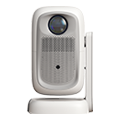
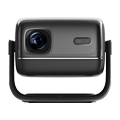
HN30A Portable - HN Series Projector

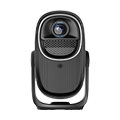
HN30B Portable - HN Series Projector


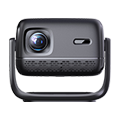
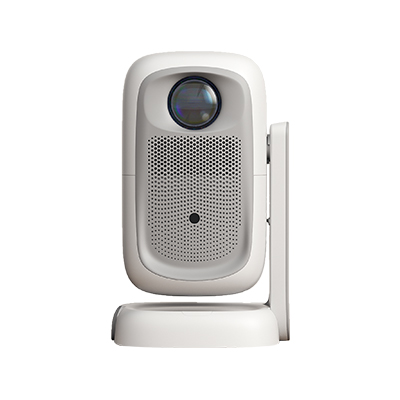
HW30 Home Cinema - HW Series Projector

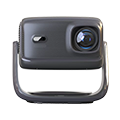
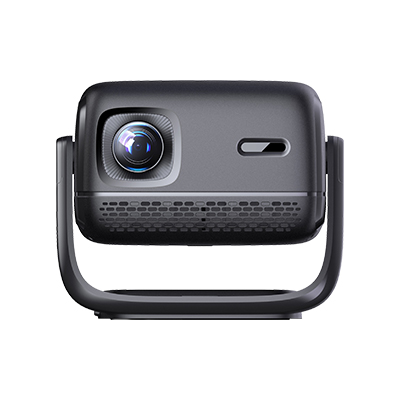
HW40 Home Cinema - HW Series Projector

HW45 Home Cinema - HW Series Projector


HI Gift Customization - HI Series Projector

Watching live TV streams on a projector via a TV box is one of the most popular ways to create a home theater experience, yet many users struggle with blurry images, low resolution, and frame drops during playback. To achieve true high-definition live streaming, the first critical step is to select a high-quality transmission connection instead of default wireless casting. Wired HDMI connection serves as the most stable and highest-definition solution for pairing a TV box with a projector. Users
View more
Screen mirroring failure is one of the most common connection problems when iPhone users connect to projectors, mainly manifested as unable to search projector equipment, unsuccessful mirroring connection, automatic disconnection after connection, and black screen without picture after mirroring. This problem is caused by multiple factors including iOS system version adaptation, network environment conflict, projector system failure, and equipment permission setting. Many users cannot accurately
View more
System stuttering, frame drops, frozen interfaces, and slow response are common faults in projectors after long-term use, which are mainly caused by accumulated system cache, residual junk files, abnormal program conflicts, and incorrect parameter configuration. Restoring factory settings is the most effective and fundamental solution to fix persistent system lag, as it can completely clear invalid data, reset all customized parameters to original official defaults, and eliminate software-level
View more
Screen casting stuttering, frame dropping, and delay are common problems in wireless projection of projectors, which seriously affect the viewing experience of videos, games, and meetings. Most screen casting stuttering problems are caused by unstable network transmission, rather than equipment failure. Wireless screen casting relies on Wi-Fi signal transmission data. When the network signal is weak, interfered, or congested, the data transmission speed will decrease, resulting in incomplete dat
View more
No signal display when connecting a projector to a computer with an HDMI cable is a common hardware connection failure, which is mainly caused by cable problems, interface errors, device setting conflicts and signal mode mismatches. When the “no signal” prompt appears on the projector screen, users can troubleshoot step by step from simple to complex to quickly solve the problem. The first step is to check the basic connection status and hardware equipment. Confirm that both the computer and the
View more
A yellow-tinted projection image is one of the most common visual faults that plague both home theater and office projectors, and it rarely occurs due to a single factor. The primary cause is the aging and degradation of the projector’s internal light source and optical components. Most traditional projectors use high-pressure mercury lamps, which gradually lose blue light output after hundreds or thousands of hours of operation. As blue light attenuation intensifies, red and green light dominat
View more
Blurred projector screens are a frequent problem in daily office meetings, which seriously affects the viewing effect of PPT presentations, data display, and video conferences, and reduces office and meeting efficiency. Screen blur is mainly manifested as unclear text edges, fuzzy image details, overall hazy screen, and partial out-of-focus distortion. Most office projector blur problems are not equipment failures but are caused by incorrect debugging, improper placement, and parameter mismatch.
View more
5000 lumen high-brightness projectors have become the mainstream display equipment for modern corporate and institutional training rooms, solving the core pain points of traditional low-brightness projection devices in indoor teaching and training scenarios. Unlike home projectors that focus on dark environment viewing, training room projectors need to adapt to complex indoor lighting conditions, including bright overhead lights, large-area glass window light transmission, and multi-person inten
View more
Zero-delay mobile phone screen casting is the key to realizing smooth game playing, live broadcast watching, and high-definition video synchronization playback on projectors. Traditional wired and wireless screen casting often has delays of 0.5 to 2 seconds, which is acceptable for movie watching but seriously affects the experience of competitive games, real-time live broadcasts, and fast-paced video playback. Mastering professional zero-delay screen casting methods can realize real-time synchr
View more